Most founders have 50 happy customers and zero testimonials.
Not because customers do not want to help. Because the ask was wrong.
This post gives you the exact system and scripts that fix that. Four copy-paste templates, the timing principle that doubles response rates, and what to do after they say yes.
Why Most Testimonial Requests Get Ignored
Here is the painful truth: your customers are not declining to leave testimonials because they dislike you. They are ignoring your requests because the ask created friction.
The typical request looks something like this: a generic email, sent at a random time, that asks for a vague "review or testimonial." No context. No guidance. No reason to stop what they are doing and write something.
The result? Silence. Not because your product was bad. Because you made it hard.
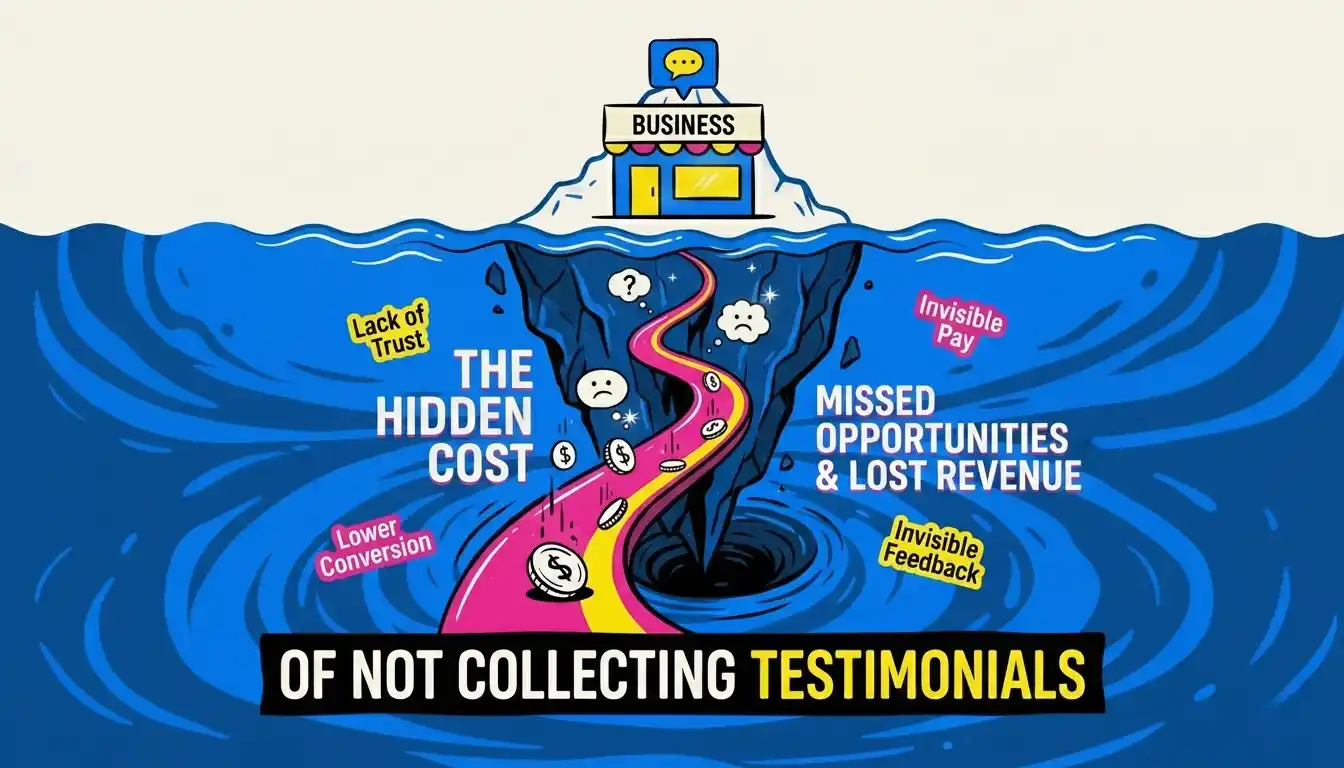
A stat worth knowing: 77% of buyers look for testimonials before making a purchase decision. If you have happy customers but no social proof, you are losing sales that are already yours to lose.
The fix is not a better email subject line. It is a better system. One that catches customers at the right moment, makes the ask feel natural, and removes every possible reason to say "I'll do it later."
The Golden Rule: Ask at the Wow Moment
Timing is the biggest variable in testimonial response rates. Ask too early and the customer has not seen results. Ask too late and the excitement has faded. Ask at the wrong moment entirely and it feels transactional.
The sweet spot is what we call the Wow Moment: the specific point in the customer journey where they first realize your product actually delivered. The moment they hit their first milestone. Closed their first deal using your tool. Saved their first three hours. Got their first result.
That is your window.
Here is what the timeline looks like in practice:
Purchase → Onboarding → First Win (Wow Moment) → Ask Window → Testimonial collected
For SaaS products, this is usually 7 to 14 days after signup, once they complete a key action. For services, it is right after delivery, when the client emails you saying they are thrilled. For coaching or consulting, it is right after a breakthrough session.
Identify the moment your customer first "gets it," and build your ask around that moment.
Script 1: The Email Ask
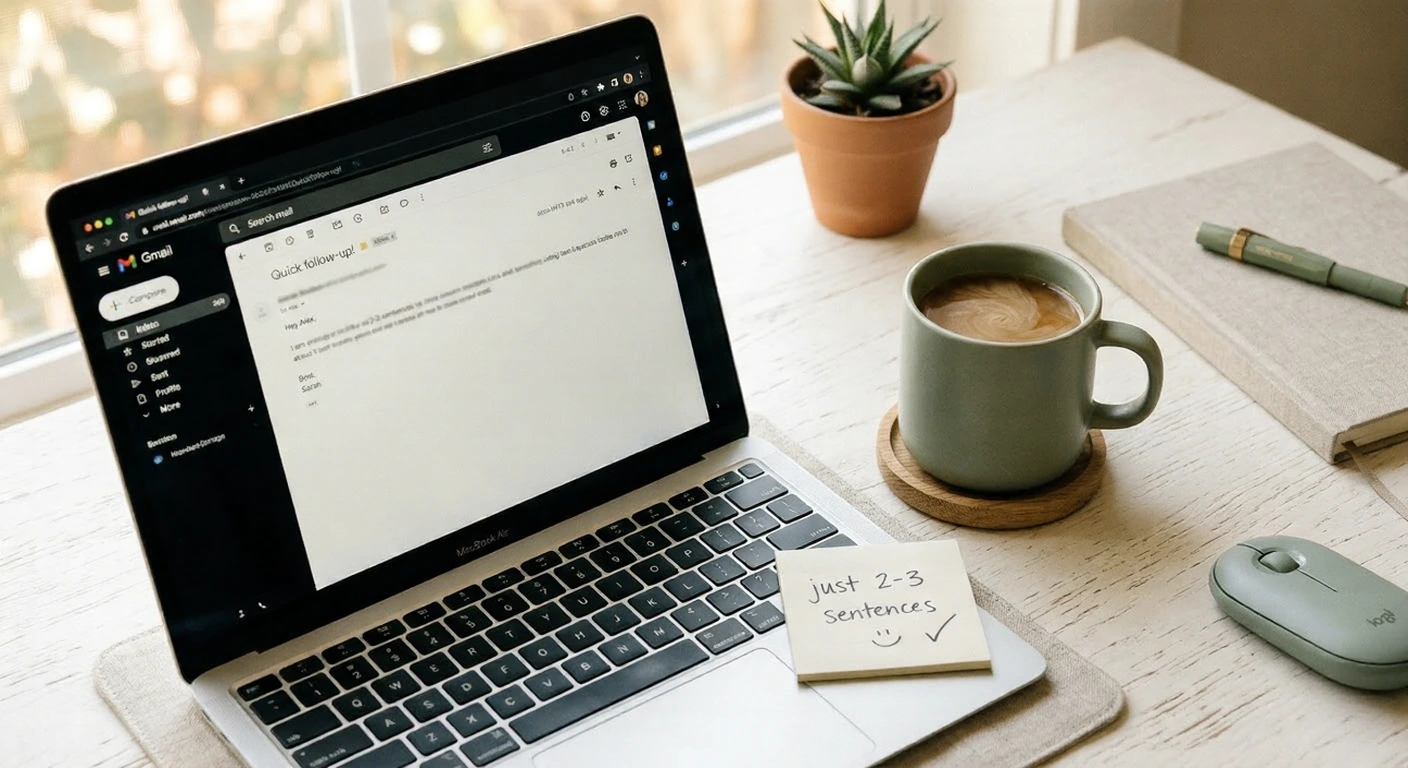
Email is still the highest-converting channel for testimonial requests. Most email asks fail because they are too long, too vague, or too obviously template-like. This one works because it feels personal even at scale.
When to send: 7 to 14 days after a customer completes their first key action or milestone.
Subject: Quick question about your experience
Hi [First Name],
I noticed you recently [specific milestone e.g. completed your first
campaign / hit 100 signups / closed your first deal using the tool].
That's a big deal, and I hope it felt that way.
Would you be up for writing a short testimonial about your experience
so far? Even 2 to 3 sentences would be incredible.
If it's easier, you can just reply to this email and I'll handle the rest.
No pressure at all and thank you either way.
[Your name]
Why this works:
It references a specific moment, not a vague "your experience"
It gives them an easy out ("no pressure")
It sets a low bar ("2 to 3 sentences")
The reply option removes the friction of clicking a link
Script 2: The In-App Message
In-app messages are the most underused testimonial channel. When someone is inside your product, the context is fresh, their guard is down, and the friction to respond is almost zero.
When to trigger: When a user completes a meaningful action. Finishing onboarding, running their first report, creating their third project, or hitting a usage milestone.
You just [completed X milestone]. Seriously, nice work.
We'd love to hear how things are going. Would you be willing
to share a quick sentence or two about your experience?
[Leave a testimonial] ← button
Takes less than 60 seconds.
Keep in-app asks to one or two lines. One clear button. A time commitment ("less than 60 seconds") that removes the fear of it being a big task.
Script 3: The Twitter or LinkedIn DM
If a customer engages positively with your content, shares your product, or posts something kind about you, that is your signal. This is the warmest possible lead for a testimonial.
The DM needs to feel natural, not like a form letter.
Hey [Name], saw your post and it genuinely made my day.
Would you be open to turning that into a short testimonial I could
share on our site? I can pull your quote and send it to you for
approval before anything goes live.
Zero work on your end, just a quick yes or no from you.
The key phrase here is "I can pull your quote." You are offering to do the work for them. This converts far better than asking them to write something from scratch.
Script 4: The Post-Onboarding Call Ask
If you do any kind of onboarding call, check-in call, or success call with customers, you have the warmest possible moment to ask for a testimonial. The conversation is already happening. They are already in a positive headspace.
Wait until near the end of the call, when they have expressed something positive. Then say:
Verbal ask during the call:
"You mentioned [specific thing they said]. Would you be open to putting something like that in writing? It would mean a lot to us, and I can send you a draft based on what you just shared."
Follow-up email the same day:
Subject: Following up from our call
Hi [Name],
Really enjoyed our conversation today. Based on what you shared,
I drafted a quick testimonial below. Feel free to use it as-is,
edit it however you like, or rewrite it completely.
"[Draft testimonial using their exact words from the call]"
Just hit reply with any edits and I'll take it from there.
[Your name]
Drafting it for them is the single most effective move in this entire playbook. Most customers want to help but have no idea what to write. When you hand them a draft, the response rate jumps dramatically.
When They Say Yes: Make It Dead Simple
The moment someone agrees, your job is to make the next step as easy as humanly possible. The longer the gap between their "yes" and their submitted testimonial, the lower your chances of actually getting it.
Three things to do immediately:
Send a direct link to a simple form (one or two questions max)
Give them a draft or suggested prompt they can react to
Set a clear expectation on length: "2 to 3 sentences is perfect"
Prompts that make writing easy:
"What were you trying to solve before you found us, and what changed?"
"What would you tell someone who was on the fence about trying this?"
"What specific result have you seen since you started using it?"
Avoid asking "How would you describe your experience?" It is too vague and produces vague answers. Specific prompts produce specific, usable testimonials.
When They Go Quiet: One Follow-Up
If someone agrees but never submits, or you sent the ask and heard nothing, send exactly one follow-up. One. Not three.
Send this 5 to 7 days after the original ask:
Subject: Re: Quick question about your experience
Hi [First Name],
Just circling back on this, I totally understand if the timing is off.
If it's easier, just reply with a sentence or two and I'll turn it
into something. No formatting needed, just your honest take.
[Your name]
If they do not respond after that, leave it. Chasing further damages the relationship and produces resentful, half-hearted testimonials even if they eventually comply.
What Makes a Testimonial Actually Useful
A testimonial that says "Great product, highly recommend!" does almost nothing for your conversion rate. A useful testimonial does three things:
Names a specific problem the customer had before
Describes a specific result they got after
Speaks to a common objection your future customers have
When you draft testimonials for customers to approve (Script 4), aim for this structure. It is the difference between a vague five-word quote and a paragraph that closes deals.
You Should Not Have to Do This Manually
The scripts above work. But at some point, tracking who to ask, when to ask, and following up becomes a job in itself.
VouchView sends the ask automatically at the right moment. You just collect the testimonials.
No manual follow-ups. No spreadsheets. No missed wow moments.